
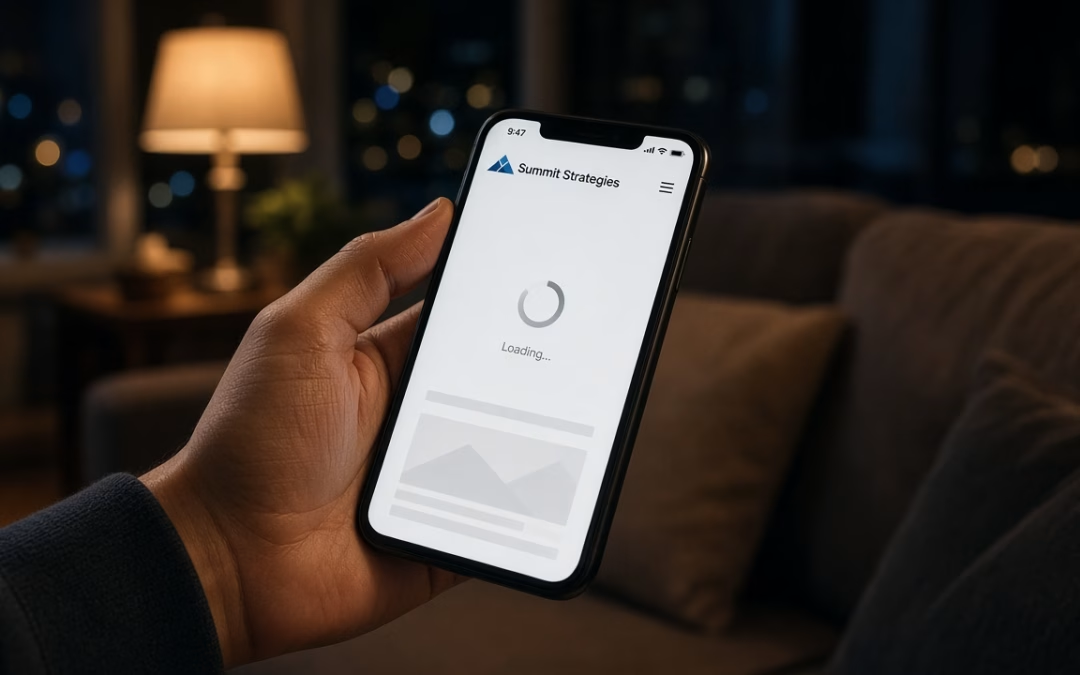
After-Hours Mobile Searches and Why Mobile Speed Loses the Lead
Someone’s AC dies at 9:40 p.m. in South Tampa. A pipe drips in Carrollwood. A car won’t start before an early shift in Brandon. They grab a phone, type a service plus “near me,” and tap the first listing that loads fast enough to trust.
That is the after-hours lead: high intent, low patience, almost always mobile. If your site crawls, they bounce to the next business whose page answers in a second or two. Mobile speed is not a vanity metric for local service companies. It is whether the phone rings when you are not at the desk.
Most owners assume “it works on my office Wi‑Fi” means it works for customers. After-hours traffic is different—cellular networks, older phones, heavy images, and chat widgets stack up. A page that feels fine on desktop can feel broken on a phone in a driveway. You paid for the click and handed the job to a competitor with a lighter site.
Think of mobile speed as your only employee still working after closing. If that greeting is slow, people leave. Fixing it is one of the highest-ROI moves a Tampa small business can make—the same practical standard we use in Tampa web design projects: pages that load quickly on real phones.
What “Slow” Does on Mobile: Bounce, Rage Taps, and Abandoned Calls
“Slow” on mobile is not an abstract score. It is a short chain of behaviors that kill leads before you see a form submission.
Bounce before the headline lands. If the first screen takes more than a couple of seconds to become usable, many visitors leave. They never read your offer, reviews, or service area. The session ends as a silent exit.
Rage taps on buttons that are not ready. Visitors jab “Call Now” or Get a Quote” while scripts are still loading. Nothing happens—or the layout jumps. Frustration rises. Lag starts to feel like a messy business, even when your trucks and techs are excellent.
Call abandonment mid-decision. After-hours buyers often want a phone number more than a long form. If click-to-call appears late, hides under a sticky banner, or competes with a delayed popup, they close the tab. Some start the call and hang up when the page freezes. You never know that lead existed.
Form fatigue on a laggy page. Heavy forms already cost conversions. Pair them with lag and people abandon halfway—ready to hire, until the page made it feel like work.
Quiet waste across ads and SEO. Paid clicks that bounce still cost money, and weak engagement plus poor Core Web Vitals can drag organic visibility down. Slow pages tax every channel you already buy.
Mobile speed problems show up as “we get traffic but few calls”—the classic quiet leak for Tampa service businesses.
What Actually Fixes Mobile Speed for Local Service Sites
You do not need a full rebuild. Local service sites win with disciplined basics focused on what visitors feel on a phone.
Shrink the first screen’s download. Compress hero images. Skip autoplay video above the fold. Cut multi-megabyte media before you debate fonts. If the homepage hero alone costs three seconds, fix that first.
Limit third-party scripts. Chat widgets, extra tag managers, review carousels, map embeds, and heavy animation libraries add up. Keep what you use. Defer or remove what you do not.
Make click-to-call and the primary CTA early and light. The phone number and main button should not wait on a late framework. If someone needs a tech at 10 p.m., the call path should be thumb-ready as soon as content is readable.
Fix hosting and caching. Cheap shared hosting, uncached pages, and bloated themes are common culprits. Caching, a capable host, and a lean theme often recover more speed than redesigning every page.
Prioritize mobile Core Web Vitals in plain language. Main content should appear quickly, layout should not jump, and buttons should respond. You need a site that feels instant on a mid-range phone on LTE.
Align speed with how people find you. Ranking for local terms and then failing on mobile wastes visibility. Pair technical cleanup with search work so visitors can convert—that is where a focused Tampa SEO company approach matters: get found, then get them through without friction.
Test on real phones. Emulators help; a staff phone on cellular tells the truth. Time the first useful paint, tap call, submit the form. If it feels sticky to you, it feels worse to a stressed customer at night.
Practical rule: if a change adds flair but costs seconds on mobile, it is not worth the after-hours lead it erases.
Mobile Speed Checklist and a Soft Next Step
Audit your site on a phone in fifteen minutes. Miss more than a couple of items and mobile speed—not your offer—is likely bleeding after-hours leads.
- Homepage becomes readable within a couple of seconds on cellular, not only office Wi‑Fi.
- Hero media is compressed—no multi-megabyte video or slideshow tax.
- Click-to-call is visible early and works on the first try.
- Primary CTA does not wait on late scripts or sticky overlays.
- Popups and chat do not block the first mobile interaction.
- Key service-page images are sized for phones, not desktop originals.
- Third-party scripts are limited to what you actively use.
- Hosting and caching are in place so pages are not rebuilt cold every visit.
- Forms are short and submit cleanly without lag.
- You retested after changes on a real device during evening hours.
If several boxes fail, buying more ads amplifies waste. Fix the leak first, then measure calls and form fills for two to four weeks. Many Tampa service businesses see clearer after-hours inquiry volume once the mobile path stops punishing impatient buyers.
When you want a practical review of where night-and-weekend leads are leaking—and a plan to tighten pages without a vanity redesign—contact us and we will walk through the highest-impact fixes.
After-hours demand keeps searching on phones. Businesses that answer with fast pages win the job. Make mobile speed part of how you compete, not something you postpone until someday.